Basic Operations
> Using the Touch Panel Display
> Adjusting the Angle

| Adjusting the Angle |
|
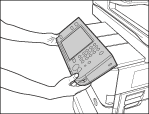
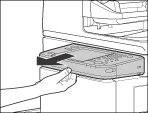
Adjust the angle of the touch panel display/control panel if the touch panel display cannot be seen clearly. |
|
|