Fax > Using the Machine to Send/Receive a Fax > Useful Fax Function (Options) > Finished Stamp

*
Finished Stamp

Return to Overview


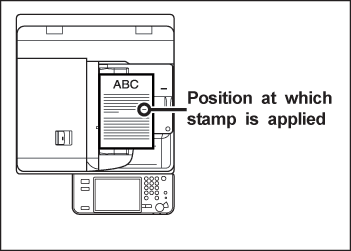
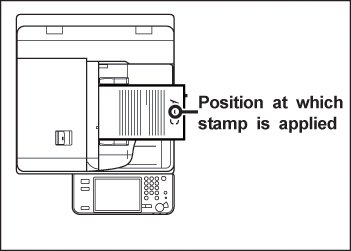
The machine can print a stamp (approximately 3 mm in diameter) on the front side of scanned and sent originals.

For information on the optional products required to use this function, see "Optional Products Required for Each Function."


Vertical Placement


Horizontal Placement


Remark
  • The Finished Stamp mode cannot be used when sending a fax document in the Direct Sending or Manual Sending mode.
  • The finished stamp is applied to the originals that are scanned from the feeder.
  • The Finished Stamp mode cannot be used with the Scan Size (Custom), or Book 2 Pages mode.
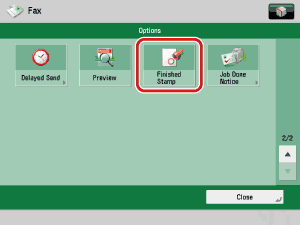
  • To cancel this setting, press [Options] → [Finished Stamp].

  1. Press [Options] → [Finished Stamp].

  • If the stamp is not marked clearly, see "Maintenance."

  • Back To Top