Maintenance
> Paper Deck Unit-B1 (Optional)
> Loading Paper

| Loading Paper |
|
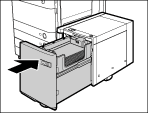
If you select the paper deck unit when it has no paper, or if the paper deck unit runs out of paper during a print job, a screen prompting you to load paper appears on the touch panel display. Follow the procedure below to load paper into the paper deck unit. |
| Remark |
|
 |
|
||||
The inside lifter automatically descends to the paper loading position. |
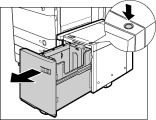
|
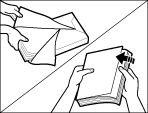
Make sure that the inside lifter has lowered before loading paper, and even out the edges of the paper stack.
|
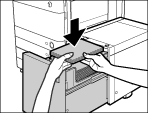
 ) on the inside of the paper deck unit.
The inside lifter automatically rises, and the machine becomes ready for printing.
|