| Replacing the Toner Cartridge |
|
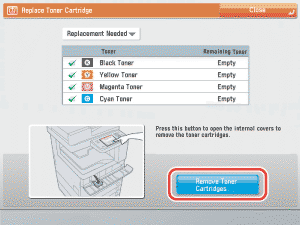
When there is only a small amount of toner remaining inside the machine, the message <Black toner is low. Replacement not yet needed.> appears on the touch panel display. You can continue printing, but at this time you should purchase a new toner cartridge of the indicated color, to have it available when needed. When the message <Replace the toner cartridge. (black)>is displayed on the touch panel display, press press [ If you press [Close], you can continue operations, such as setting modes and scanning originals, even if you do not replace the toner cartridge immediately. |
 ] on the bottom right and replace the toner cartridge for the displayed color.
 | Remark |
|
 |
|
||||
|
|
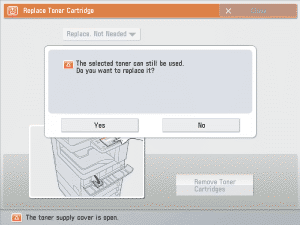
If the toner with content remaining is selected, the message <The selected toner can still be used. Do you want to replace it?> is displayed. If you want to continue replacement, press [Yes]. If you do not want to replace the toner, press [No].
|
If the internal cover does not automatically open because of reasons such as closing of the toner replacement cover, an error message is displayed. Repeat the procedure from step 1.
|
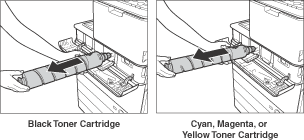
|
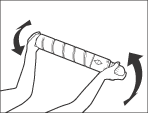
|
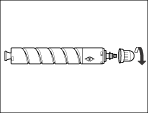
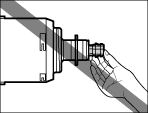
|
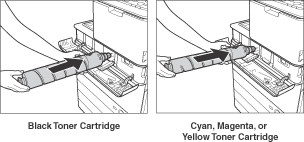
If the toner cartridge is not inserted, you cannot close the internal cover.
|
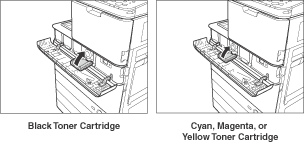
The toner confirmation screen is displayed.
|