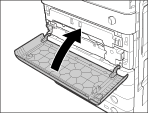
Maintenance
> Routine Cleaning
> Cleaning the Dust Proof Glass

| Cleaning the Dust Proof Glass |
|
If the dust proof glass is dirty, print defects may occur on the print output. Follow the procedure described below to clean the dust proof glass. |
|
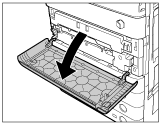
|
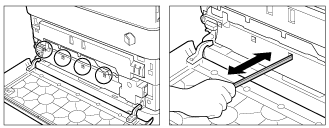
Clean the four locations as shown below. There are marks on the main unit that indicate the cleaning locations. Check these marks when cleaning the dust proof glass.
|
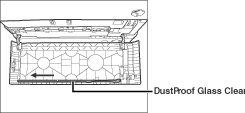
Place the dust proof glass cleaner back on the rear side of the front cover with its tip facing the left direction. |
|