|
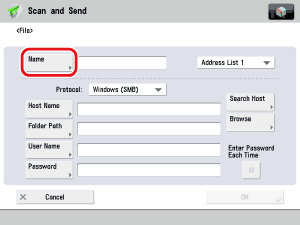
- Set [Host Name], [Folder Path], [User Name], and [Password].
If [Enter Password Each Time] is set to 'On', when sending to a file server, a screen to enter the registered password is displayed. If you want to register as a group address, set [Enter Password Each Time] to 'Off'. If it is set to 'On', you cannot send to the group address.
- For instructions on specifying each of the settings for FTP, Windows (SMB), and WebDAV, see "File Server."
- If you specify the file server that you set to 'On' for [Enter Password Each Time] as the forwarding destination, the screen to enter the password does not appear. The received document is automatically forwarded using the registered password.
|







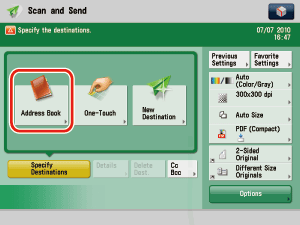
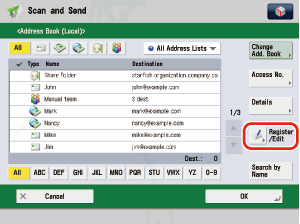
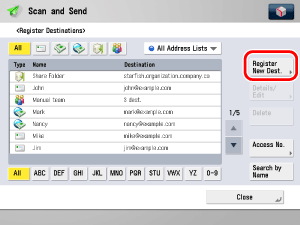
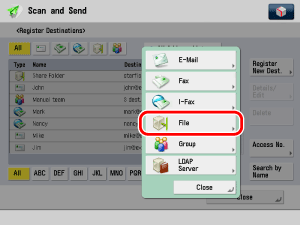
 -
-  (numeric keys).