





Copy
> Collating Copies
> Page Order (Staple)

| Page Order (Staple) |
| Remark |
|
|
|||||
|
If you want to make hole punches, press [Hole Punch]. |
|
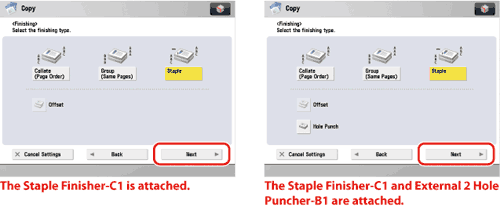
|
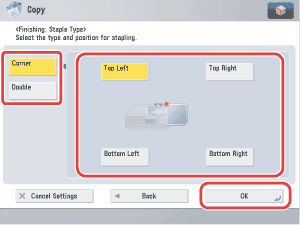
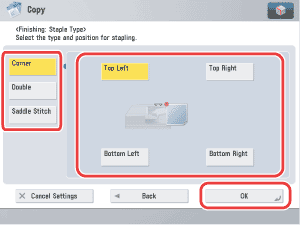
|
If you want to select [Corner] or [Double]:
If you want to select [Saddle Stitch]:
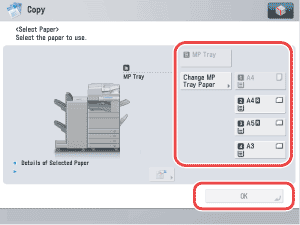
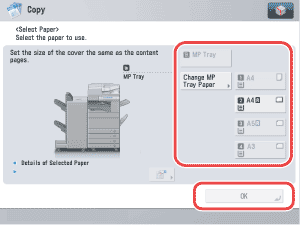
If you selected the paper to use for the main document from [Change MP Tray Paper], select the paper size and press [Next] → select the paper type and press [OK]. If you pressed [Add Cover], select [Print] or [Leave Blank] for the cover → press [Change] → select the paper source to use for the cover page → press [OK].
If you selected the paper to use for the cover from [Change MP Tray Paper], select the paper type → press [OK]. Press [Next] → select whether to print on the cover → press [OK].
|
|
 (Start).