|
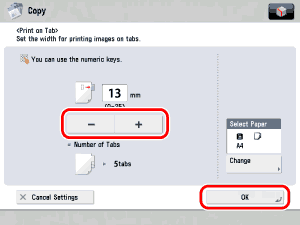
- Only A4 originals can be used with the Print on Tab mode.
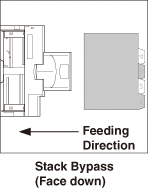
- When feeding from the multi-purpose tray, check that the position of the tabs is correct.
|
|
|
|
|
|
- If [Unfinished Tab Paper Forced Output] in [Function Settings] (Settings/Registration) is set to 'On', extra sheets of tab paper are output forcibly after each set is output as follows.
- The registered number of tabs multiplied by the number of sets of copies/prints, minus the number of sheets of tab paper used for each set
Example: If the number of tabs is set to five and seven sheets of tab paper are used for each set, the number of extra sheets of tab paper output is three. (See "Forcing to Output Excess Tab Paper.")
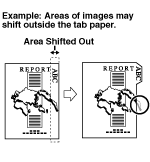
- Areas of images shifted outside the tab paper cannot be copied on the paper, and may cause the following copies to have black streaks or appear dirty.
|
|
|
|







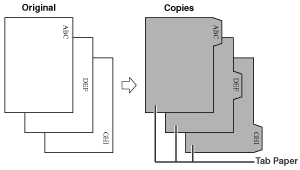
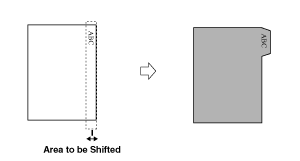
 , if you are feeding tab paper from the multi-purpose tray.