





Fax
> Using the Machine to Send/Receive a Fax
> Special Dialing
> Calling from an Extension

| Calling from an Extension |
|
This section describes only the procedure for entering fax numbers. |
| Remark |
|
|
|||||
|
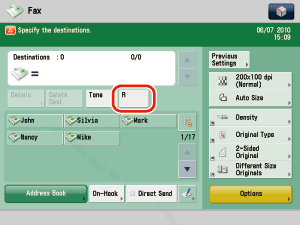
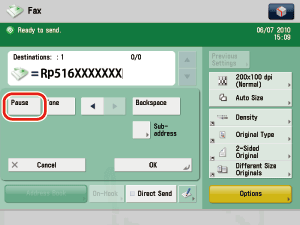
Example: Enter 516XXXXXXX as the fax number. Press [Pause] after entering the outside line access number ('R' in the above example) and before entering the fax number. Enter the pause time equivalent in length to the time required for the outside line dial tone to be heard after the outside line access number is called. Press [Backspace] when a wrong number is entered. The number immediately to the left of the cursor is deleted, enabling you to enter the correct number.
|
|