Optional Products
> Card Reader-C1/Copy Card Reader-F1
> Department ID Management
> Changing the Password and Page Limit

| Changing the Password and Page Limit |
|
|
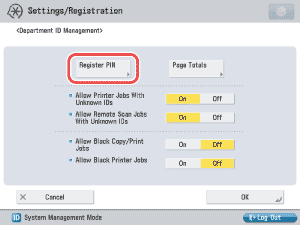
 ] or [
 ] to display the department whose password you want to change → select the department → press [Edit].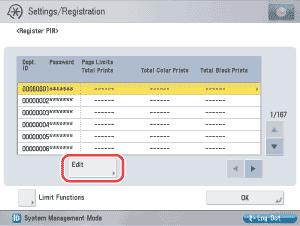
You cannot store a password with only zeros as the number, such as <0000000>. If you enter a number that begins with zeros, the leading zeros are ignored. Example: If <02> or <002> is entered, <0000002> is stored.
|
 -
-  (numeric keys).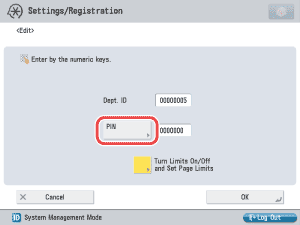
 (Clear) to clear the password.
|
To cancel setting a page limit restriction for a function, press [Off] under the desired function's name.
|
 ] (Page Limit) next to [On]/[Off] of the desired function(s) → enter the page limit
restriction using
] (Page Limit) next to [On]/[Off] of the desired function(s) → enter the page limit
restriction using 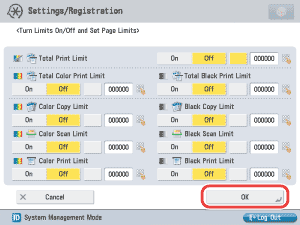
|
Details of each item are shown below.
[Send/Fax] is displayed only if the fax board is installed. If the fax board is not installed, [Send] is displayed. |
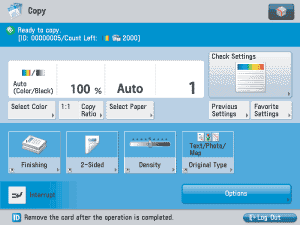
If the page limit setting is set to 'On', the remaining number of pages that can be printed (page limit minus the current page count) is displayed on the Basic Features screen for each function. For the Copy screen:
|