Scan and Send
> Setting the File Format to Send a Document in
> Adding a Digital Signature to a PDF or XPS
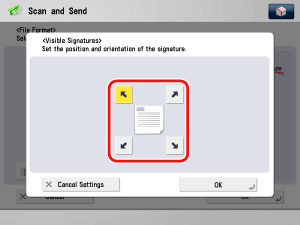
> Adding Visible Signatures

| Adding Visible Signatures |
|
Visible signatures is a mode that visualizes the device signature and user signature on the first page of the PDF file. You can select the position for the visible signature. For information on the optional products required to use this function, see "Optional Products Required for Each Function." |
| Remark |
|
|
|||||
|
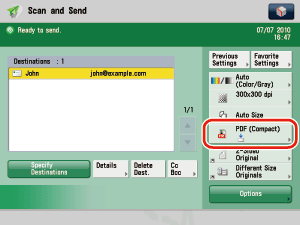
If [Set Details] is not displayed, press [Add Digital Signatures] on the File Format screen → proceed to step 4.
|
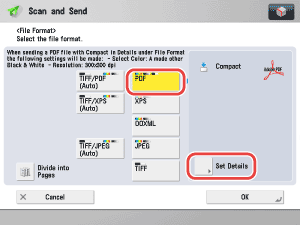
|
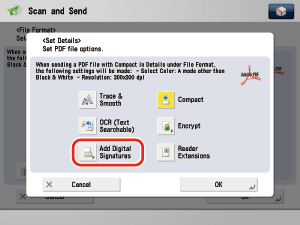
|
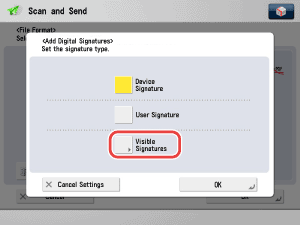
If [Cancel Settings] is pressed, the setting is canceled and the screen returns to the previous screen. |