





Problem Solving
> Clearing Paper Jams
> Paper Drawer 1

| Paper Drawer 1 |
|
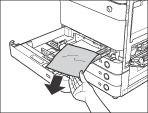
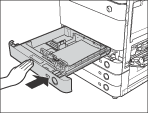
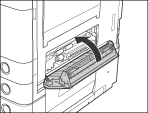
If a paper jam occurs inside Paper Drawer 1, a screen prompting you to remove the jammed paper appears on the touch panel display. Check the location of the paper jam, and follow the procedure described below, and the procedure that appears on the touch panel display, to remove the jammed paper. |
| Remark |
|
||||||
If the Paper Deck Unit-B1 is attached to the main unit, move the paper deck away from the main unit before proceeding with this procedure. For more information, see "Optional Products."
|
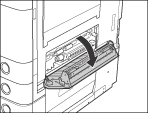
|
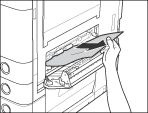
|
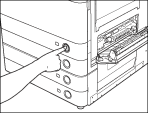
|
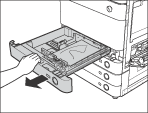
|
|
If the Paper Deck Unit-B1 was moved away from the main unit, reconnect it to the main unit. For more information, see "Optional Products."
|
|