





Problem Solving
> Clearing Paper Jams
> Feeder (Optional)

| Feeder (Optional) |
|
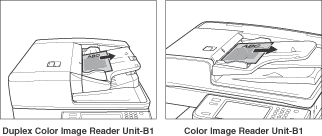
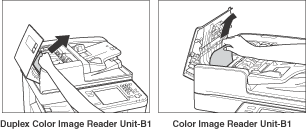
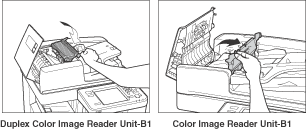
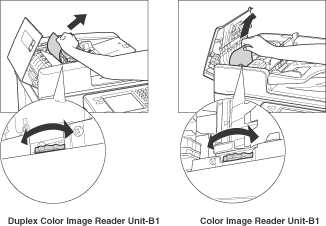
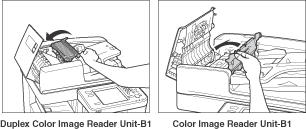
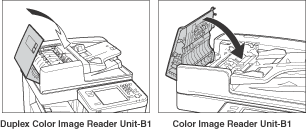
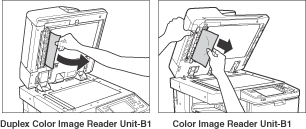
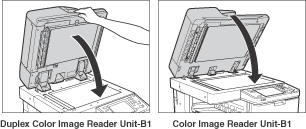
If a paper jam occurs in the Feeder, a screen prompting you to remove the jammed paper appears on the touch panel display. Check the location of the paper jam, and follow the procedure described below, and the procedure that appears on the touch panel display, to remove the jammed paper. |
| Remark |
|
|
|||||
|
|
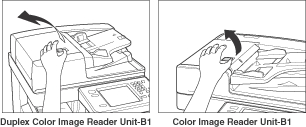
If there is difficulty in removing jammed paper, do not try to remove it forcibly, and proceed to step 4.
|
|
|
|
|
|
|
|